
Guides
Making sense of your speed test
Short, practical guides that explain what your speed test result means, and what you can do about it.
Connection & hardware
Wi-Fi, routers, cabling and the devices sharing your line.

Why is my internet slow? Find the cause in 3 steps
If your internet is slow, the cause is usually at home: Wi-Fi, the device or other traffic on the line. Find it in 3 steps, starting with one wired test.
6 min readRead the guide
Why is my Wi-Fi slow? Causes, and how to prove it with a cable
Why is your Wi-Fi slow? Distance, walls and neighbouring networks cut speed. Which band to use, how to prove it with a cable and how to speed it up.
6 min readRead the guide
How devices sharing your connection split your speed
If your speed did not change at all during the test, other devices sharing the line may be using the internet at the same time. We explain why this happens and how to check.
5 min readRead the guide
How mobile signal affects your speed test
On a cellular connection your speed changes constantly with your location and signal strength. We explain why, and what you can do for a more accurate measurement.
5 min readRead the guide
Latency & congestion
Latency problems that cause stutter even when speed is fine.
What is ping? A good ping in ms, and why it rises
Ping is the round trip from your connection to a server. Typical ping in HIZTESTI's data, how distance affects it and how to lower yours.
6 min readRead the guide
What is jitter? Why video and audio stutter
Jitter is how much ping fluctuates, and a common cause of stutter in video calls and games. Typical jitter in HIZTESTI's measurements and how to reduce it.
5 min readRead the guide
What is packet loss? How to spot it and fix it
Packet loss is when some data you send never arrives. It cuts out calls and makes games stutter. How to spot it, check for it and fix it.
5 min readRead the guide
Why your internet slows under load: bufferbloat and the router queue
If your speed is fine but video calls freeze and games stutter, the cause is usually bufferbloat. What it is, why it shows up in a speed test, and how to reduce it on your router.
6 min readRead the guide
Why does the internet slow down in the evening? HIZTESTI data
Why does your internet slow down in the evening? In HIZTESTI's data, download speed dips at peak hours while ping barely moves. Here's why and how to check.
6 min readRead the guide
Measuring correctly
Things that distort the test itself: background tabs, tired devices, battery saver.

What is an internet speed test? What it measures and how
A speed test measures download, upload, ping and responsiveness under load. How HIZTESTI measures with its own servers and how to read the result.
6 min readRead the guide
How to read speed test results: what each number means
What download, upload, ping, jitter and responsiveness (RPM) tell you and what each affects. How to compare your result with HIZTESTI's data and your plan.
6 min readRead the guide
What is Mbps? Megabits, megabytes and real download times
Mbps means megabits per second, while download managers show MB/s. The 8x difference, real download times and the typical speed in HIZTESTI's measurements.
5 min readRead the guide
How to test fiber internet speed: a gigabit checklist
To see your fiber plan's real speed, every link in the chain must be gigabit. A step-by-step checklist for the cable, port, network card and device.
5 min readRead the guide
Your device may be slowing down the speed test
Sometimes a low result is not caused by your internet but by a computer or phone that is bogged down at that moment. How to tell, how to rule it out, and what to do.
5 min readRead the guide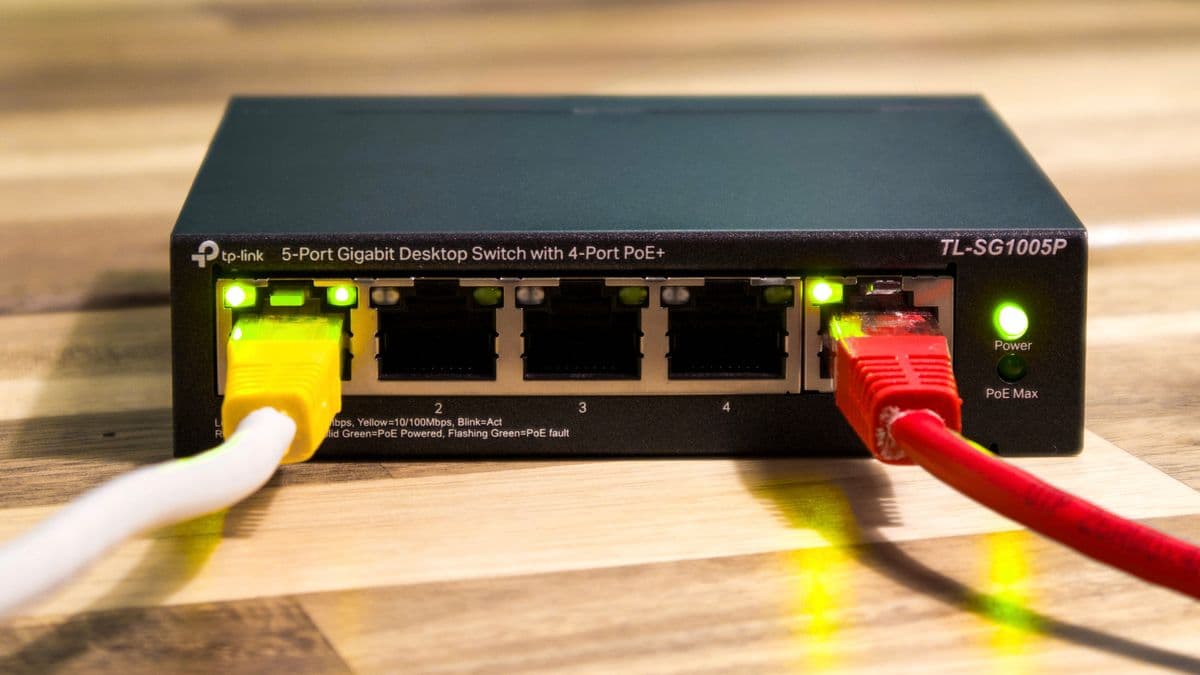
Is 100 Mbps internet really 100 Mbps? Why tests top out around 94
Why a 100 Mbps plan never shows exactly 100 in a speed test: the share every packet keeps for itself, and what HIZTESTI's measurements show.
5 min readRead the guide
How to run a speed test correctly: background tabs and browser traps
If every test on the same connection comes out different, the culprit is usually not the line but how you run the test. We explain background tabs, long browser sessions and other common mistakes using how browsers actually behave.
5 min readRead the guide
How battery saver lowers your speed test
When your phone or laptop is in battery saver, a speed test can come out below your real speed. We explain why, and how to get a correct result, using Apple's and Google's own documentation.
5 min readRead the guide
Speed for what you do
How much speed gaming, streaming, video calls and uploads really need.

Why does upload speed matter? Upload vs download, measured
Plans are sold on download speed, but video calls and cloud backups run on upload. In HIZTESTI's measurements, upload is a small fraction of download.
5 min readRead the guide
How many Mbps do you need for gaming? Ping and jitter matter more
In online games, ping and jitter matter more than download speed. 50% of HIZTESTI fixed-line results hit a comfortable gaming response time.
5 min readRead the guide