
Measuring correctly
How battery saver lowers your speed test
Battery saver slows the processor and limits background activity to extend battery life. But the speed test runs on that same processor; when it is throttled, the measuring code cannot run fast enough and the result comes out low. That is your device's momentary limit, not your internet's. Plug in or turn saver off and measure again, and the result usually rises.
Why does saver mode lower the result?
Battery saver exists for one purpose: to reduce the energy the device uses. To do that it lowers the processor's speed, curbs background work and slows some tasks. A speed test is one of those tasks; it has to process and measure incoming data, but when the processor is deliberately slowed it cannot do so at full speed.
So a low result may reflect not slow internet, but a device that is being deliberately slowed at that moment.
What do the manufacturers say?
This behaviour is not hidden; both Apple and Google document it plainly. Apple says of Low Power Mode on iPhone:
“iPhone might perform some tasks more slowly when in Low Power Mode.”[1]
Google, in turn, describes how Android's Battery Saver curbs background activity:
“Apps don't run in the background, unless you turn off battery optimization.”[2]
When a slower processor and curbed background work come together, the measuring code gets fewer resources and runs slower. That is why the result lands below your real speed.
Getting a correct result
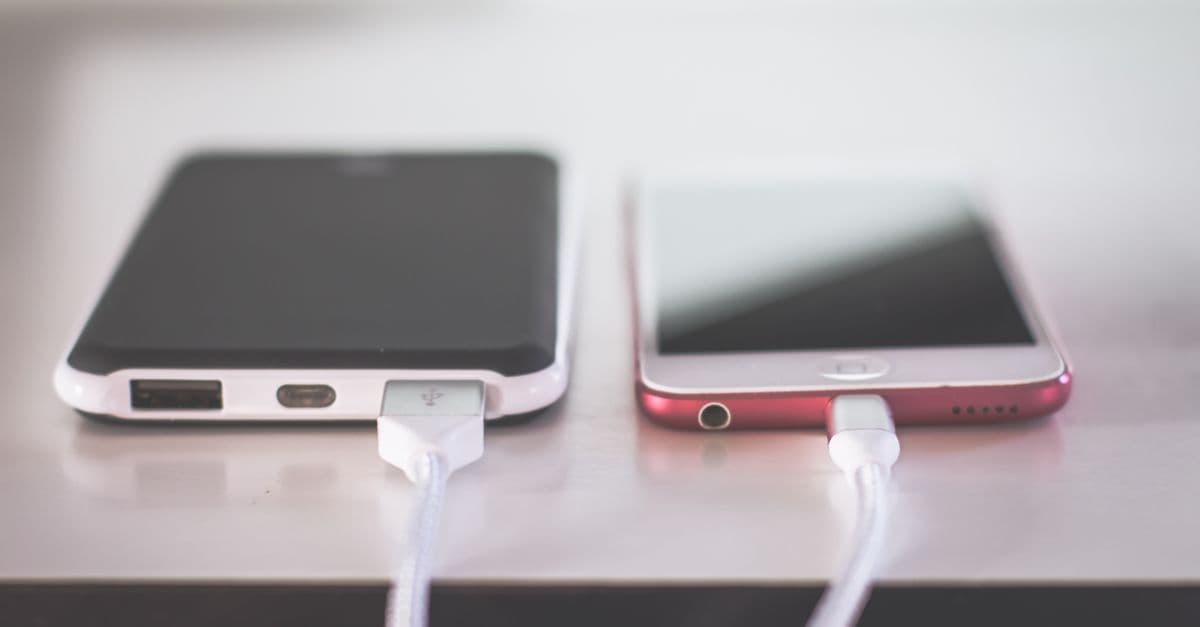
- Plug the device in. On Apple, Low Power Mode turns off by itself once the iPhone reaches 80%; charging is often the simplest fix.
- Or turn saver mode off by hand. On iPhone: Settings > Battery; on Android: Battery Saver in quick settings.
- After turning it off, wait a few seconds; the device may not return to full speed instantly.
- Then run the test again. If the result rises noticeably, the earlier low number was down to battery saver.
- If the battery is critically low, charge first. At very low levels some devices throttle performance even more.
Is this a permanent problem?
No. Battery saver is a temporary mode and only takes effect while it is on. It is not a problem with your internet speed or your line; it only affects the measurement at that moment. A test run with a full charge and the mode off reflects your device's true performance.
How we tell a device-limited measurement from a line-limited one is spelled out in our methodology paper. Measurement methodology
Frequently asked questions
- Does battery saver slow every device by the same amount?
- No. The effect varies by device and model. On some phones the processor slows markedly, on others the difference is small. You will see your own answer by running the same test once with saver on and once with it off.
- Does battery saver on a laptop affect the result too?
- Yes. Battery saver / energy modes on Windows and macOS can also curb processor speed and background activity. For a definitive measurement it is best to plug the laptop in and set it to a performance or balanced power mode.
- Does Low Power Mode turn off automatically on iPhone?
- According to Apple's documentation, Low Power Mode turns off by itself once the iPhone charges to 80% or higher. So plugging in and waiting often removes the need to turn it off by hand.
- Does testing while charging inflate the result?
- No. Testing while charging does not artificially raise the result; it only removes the artificial slowdown that battery saver introduces. The charging result is therefore closer to your device's true performance.
Sources
References
Share this guide
Did this guide help?